How do I set or reset my Help Center password?
If you have ever emailed an issue to support@topixdigitaldirect.com, then you already have an account and just need to set your password.
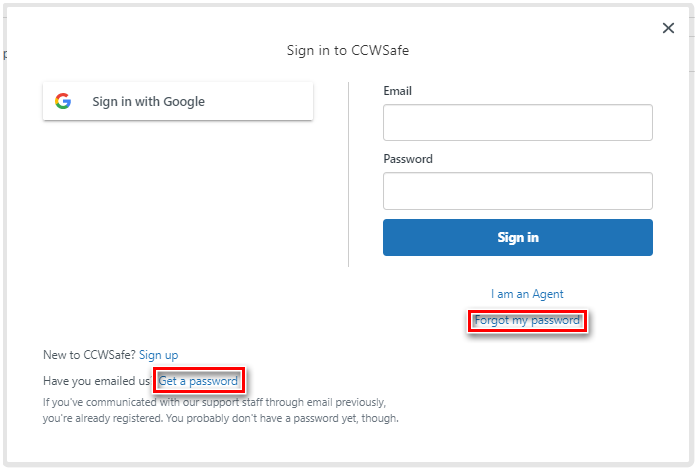
To set or reset your password, click "Sign In" in the top right of the screen.
Select "Get a password" or "Forgot my Password".
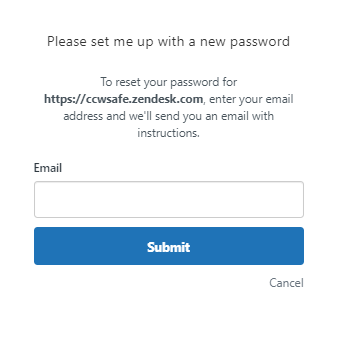
A new pop-up will show.
Enter your email and click "Submit".
A new pop-up will show.
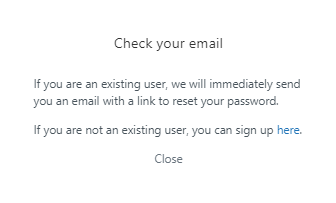
You will receive an email.
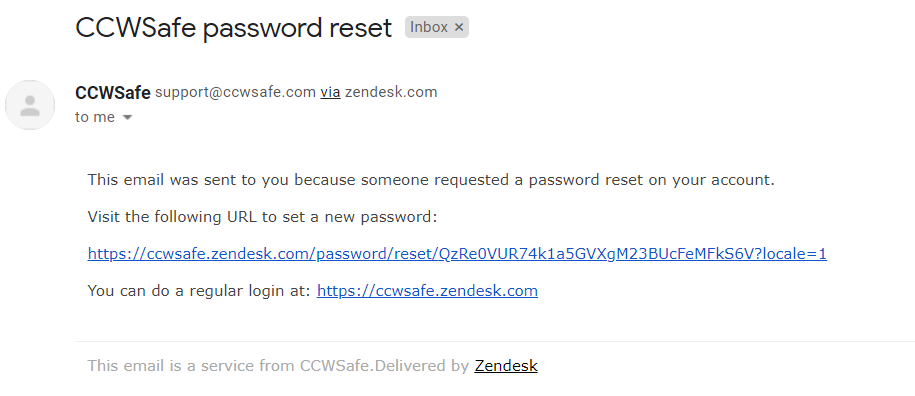
Click the link on the email to set or reset your password.
You will be redirected back to the Help Center where a pop-up will show allowing you to set or reset your password.
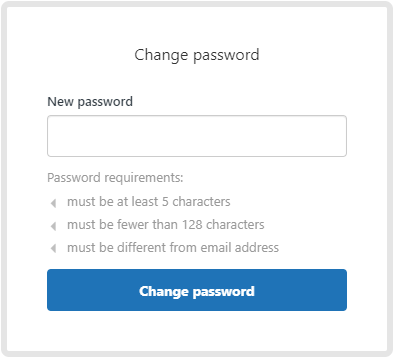
Once you click "Change Password", you will be logged into the Help Center.